Strics.AI
  • Community
  • Pricing
Open DashboardStart designing
Strics.AI

Turn an idea into a thumbnail that gets the click: AI concepts, a 3D pose studio, real text layers and client approvals in one studio. Made by designers, for designers.

Product

  • Home
  • Pricing
  • Community
  • Open the app

Tools

  • Generator
  • Pose studio
  • Compositor
  • Upscaling
  • Background removal
  • Strics Score
  • Client CRM
  • All tools

Company

  • The studio
  • Brand kit
  • Contact
  • strics.dk ↗
Terms and conditionsPrivacy policyCookie policyThumbnails shown are Strics client work.
© 2026 Strics · CVR 44629305
All tools/Design
Background removal

Cutouts without the pen tool.

Remove the background from an uploaded photo and place the cutout on top of any concept. A hosted model keeps fine hair and soft edges, for one credit an image.
Open in the app See all tools
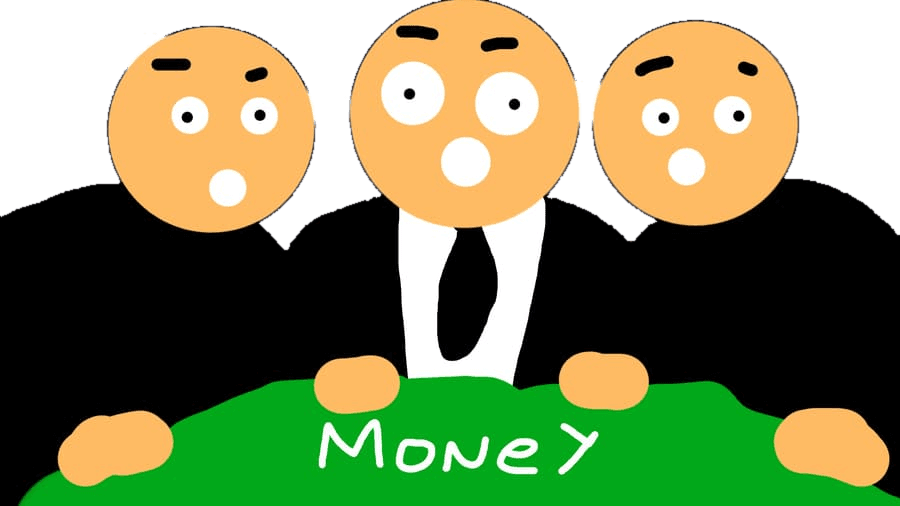
Cutout with the background removed
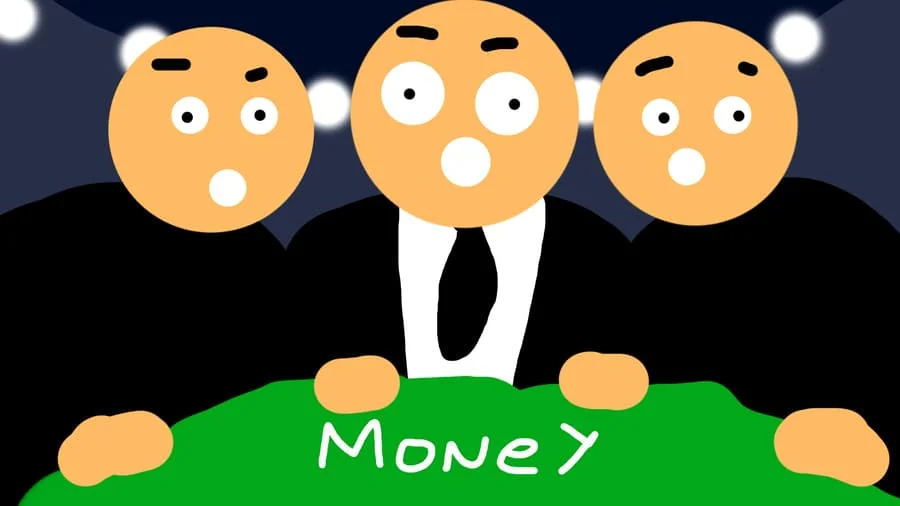
Original with background
OriginalCutout PNG
Browser · freeHigh quality · hairDrag to compare

Three steps. No detours.

  1. 01

    Upload a photo

    Any creator photo you have permission to use.

  2. 02

    Remove the background

    One click, a few seconds, even with tricky hair.

  3. 03

    Place it on the canvas

    The cutout arrives as a layer you can move and scale.

Highlights

One credit an image

A failed cutout gives the credit back.

Clean edges

Hair and soft edges kept, not chopped.

Transparent PNG

A proper alpha cutout, ready to layer.

Straight into the editor

No export and re-import dance.

Cutting out a subject is the most repeated task in thumbnail design. It should take a second, not five minutes of masking hair.

Strics.AIDesign studio · Made by designers, for designers

Questions, answered.

What does it cost?

One credit per image. If a cutout fails, the credit is given back.

Does my photo leave my computer?

Yes: it's sent to the hosted model that cuts it out, and the cutout is saved to your account.

What do I get back?

A transparent cutout, placed as a layer in the editor.

Pair it with.

All tools

Creator faces

Use your clients' faces, with permission recorded on every upload.

Learn more

Compositor

Stack your backdrop, cutouts, headlines and shapes into the finished thumbnail, then export it.

Learn more

Upscaling

Enlarge a concept or photo 2× or 4×, with blur, noise and pixelation cleaned up.

Learn more

From the studio behind 3,500+ thumbnailsIShowSpeedDisneyRed BullFaZePokimane

Go make something clickable.

Start designingSee pricing