Strics.AI
  • Community
  • Pricing
Open DashboardStart designing
Strics.AI

Turn an idea into a thumbnail that gets the click: AI concepts, a 3D pose studio, real text layers and client approvals in one studio. Made by designers, for designers.

Product

  • Home
  • Pricing
  • Community
  • Open the app

Tools

  • Generator
  • Pose studio
  • Compositor
  • Upscaling
  • Background removal
  • Strics Score
  • Client CRM
  • All tools

Company

  • The studio
  • Brand kit
  • Contact
  • strics.dk ↗
Terms and conditionsPrivacy policyCookie policyThumbnails shown are Strics client work.
© 2026 Strics · CVR 44629305
All tools/Design
Upscaling

Small image. Big detail.

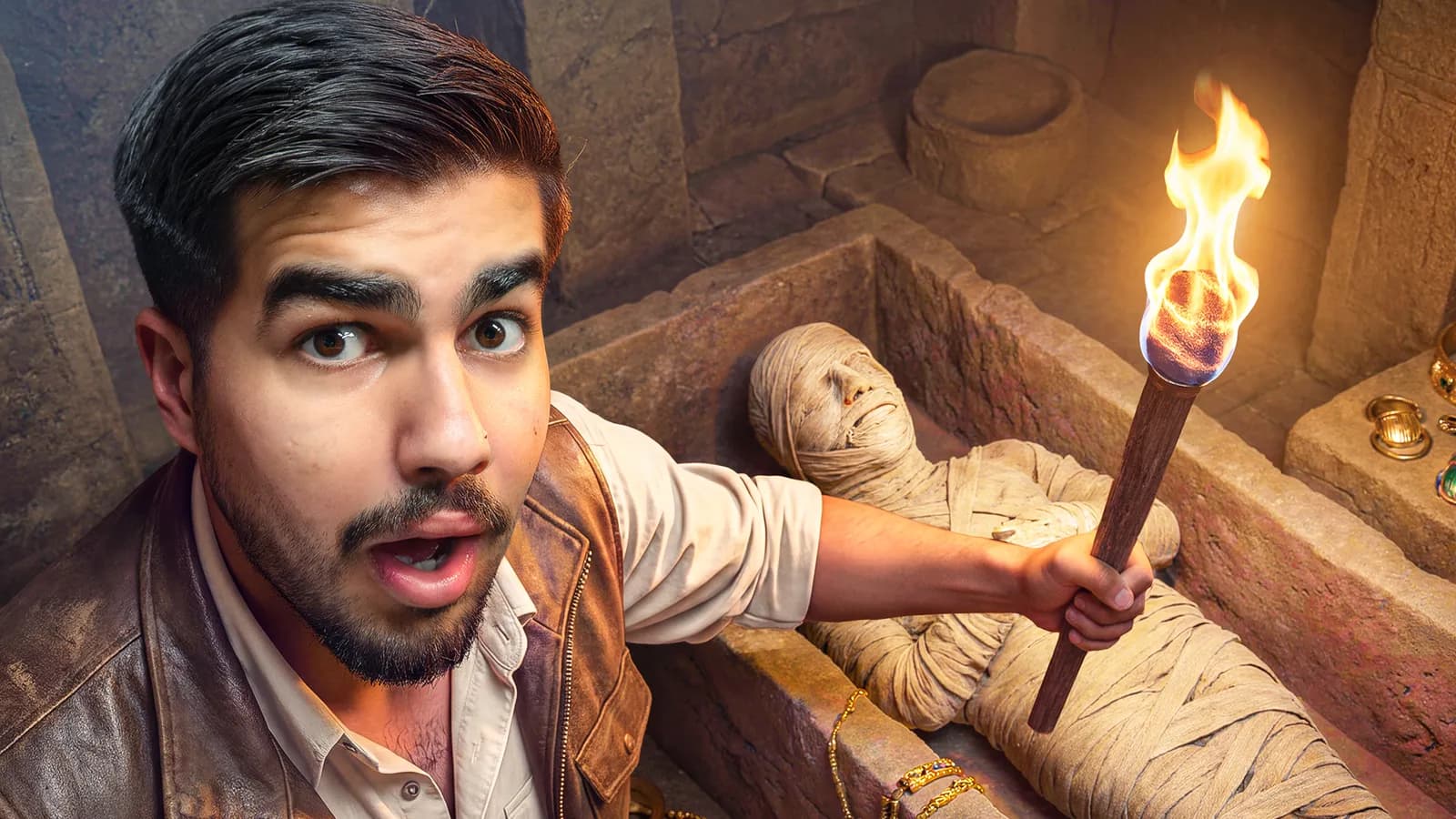
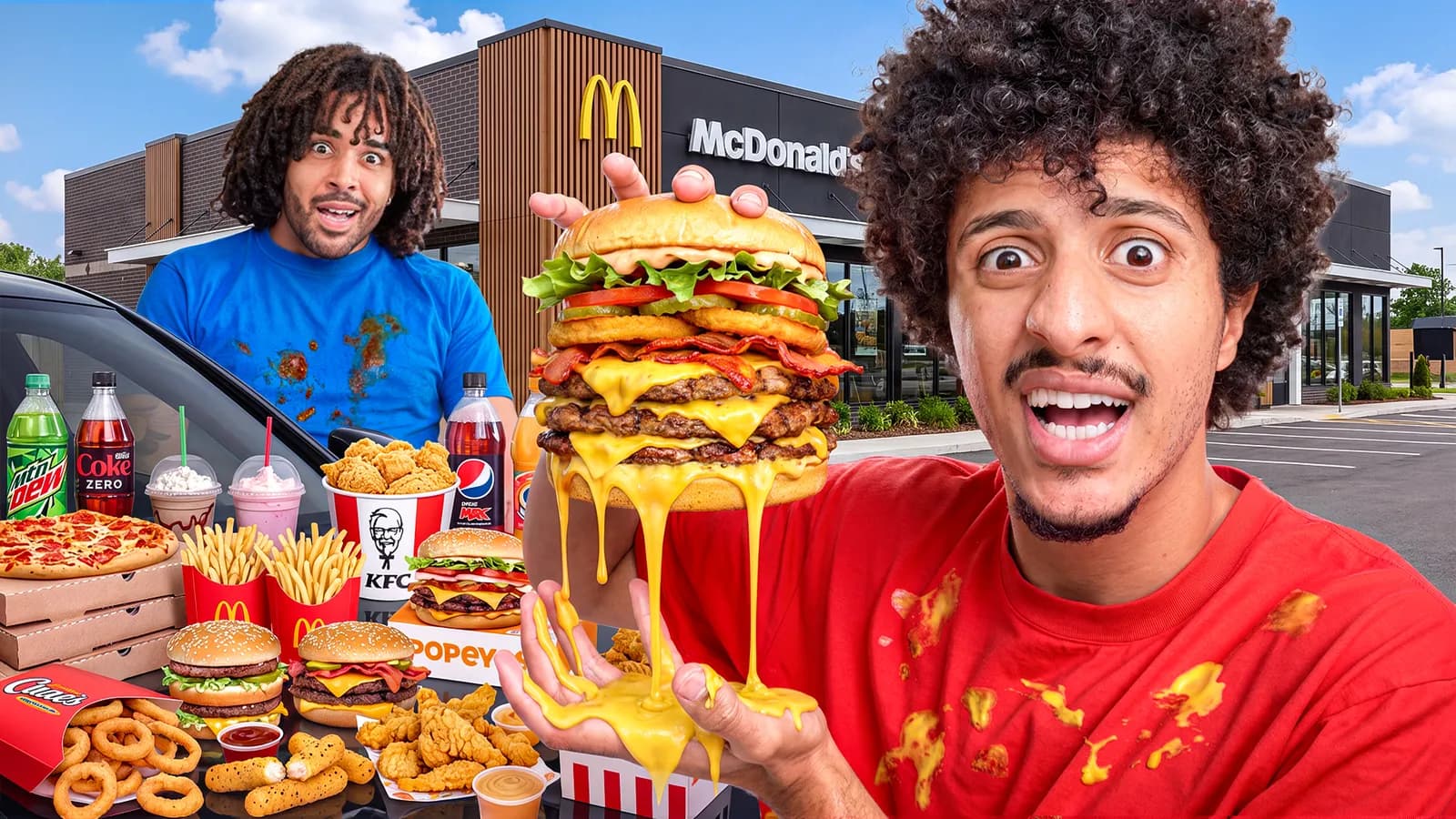
Upload a concept, a screenshot or a soft photo and enlarge it 2× or 4×. The Strics Upscaler restores it as it grows, cleaning up blur, pixelation, grain and noise; Topaz Wonder 3.5 rebuilds fine detail in faces, hair and textures, up to 6×. Then compare before and after, zoomed in.

Open in the app See all tools
Upscaled 4×, sharp
Original, soft
Original4× · Strics Upscaler
Drag to compare

Three steps. No detours.

  1. 01

    Upload an image

    A generated concept, a frame grab or a photo. PNG, JPG or WebP up to 50MB.

  2. 02

    Pick 2× or 4×

    The output size and the cost are shown before you run it.

  3. 03

    Compare and download

    Drag the slider and zoom in to check the detail, then download or send it to the editor.

Highlights

Two upscalers

Strics restores soft images, Topaz Wonder 3.5 rebuilds fine detail.

2× or 4×

Up to 8192px on the longest side.

Zoomed compare

Check the detail at 2× or 4× before you commit.

Keeps transparency

Cutouts stay transparent PNGs.

AI concepts often come back a little soft, and the best frame grab is never quite sharp enough. Upscaling is the step between a good idea and a crisp final.

Strics.AIDesign studio · Made by designers, for designers

Questions, answered.

Which upscaler should I use?

The Strics Upscaler for soft or low-resolution images: it fixes pixelation, blur, grain and noise. Topaz Wonder 3.5 for the most realistic result: it rebuilds fine detail in faces, hair and textures, and goes up to 6×.

Does it change the image?

Both keep the original but add detail as they enlarge it, Wonder 3.5 more so on its higher settings. Compare before and after, especially on faces and small text.

How big can it go?

Up to 8192 pixels on the longest side, so a 1920×1080 image can go 4×.

Pair it with.

All tools

Background removal

Cut out a face and drop it on top of any concept.

Learn more

Compositor

Stack your backdrop, cutouts, headlines and shapes into the finished thumbnail, then export it.

Learn more

Generator

Four variants per run, rendered for 1280×720 or 1920×1080.

Learn more

From the studio behind 3,500+ thumbnailsIShowSpeedDisneyRed BullFaZePokimane

Go make something clickable.

Start designingSee pricing