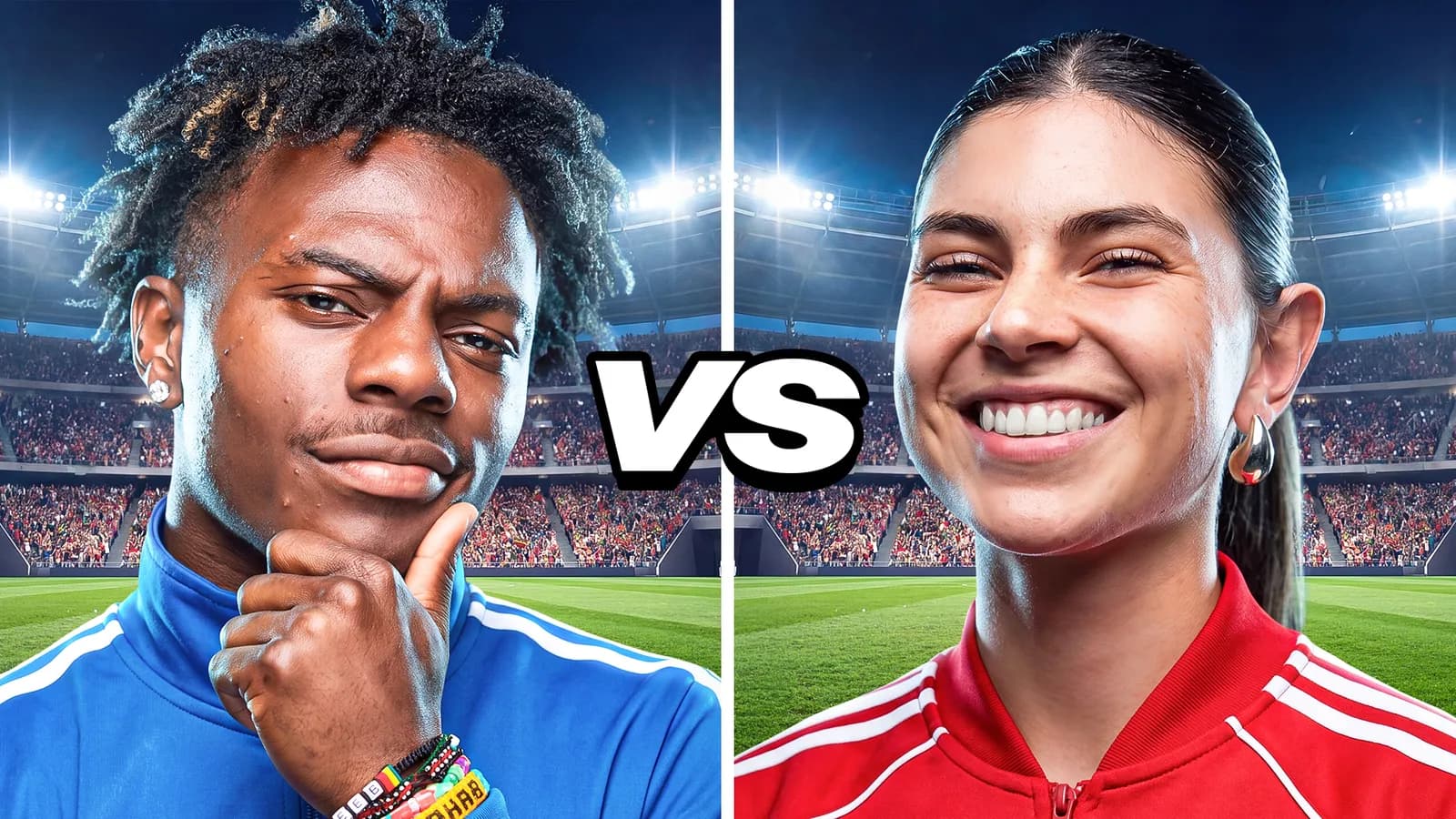
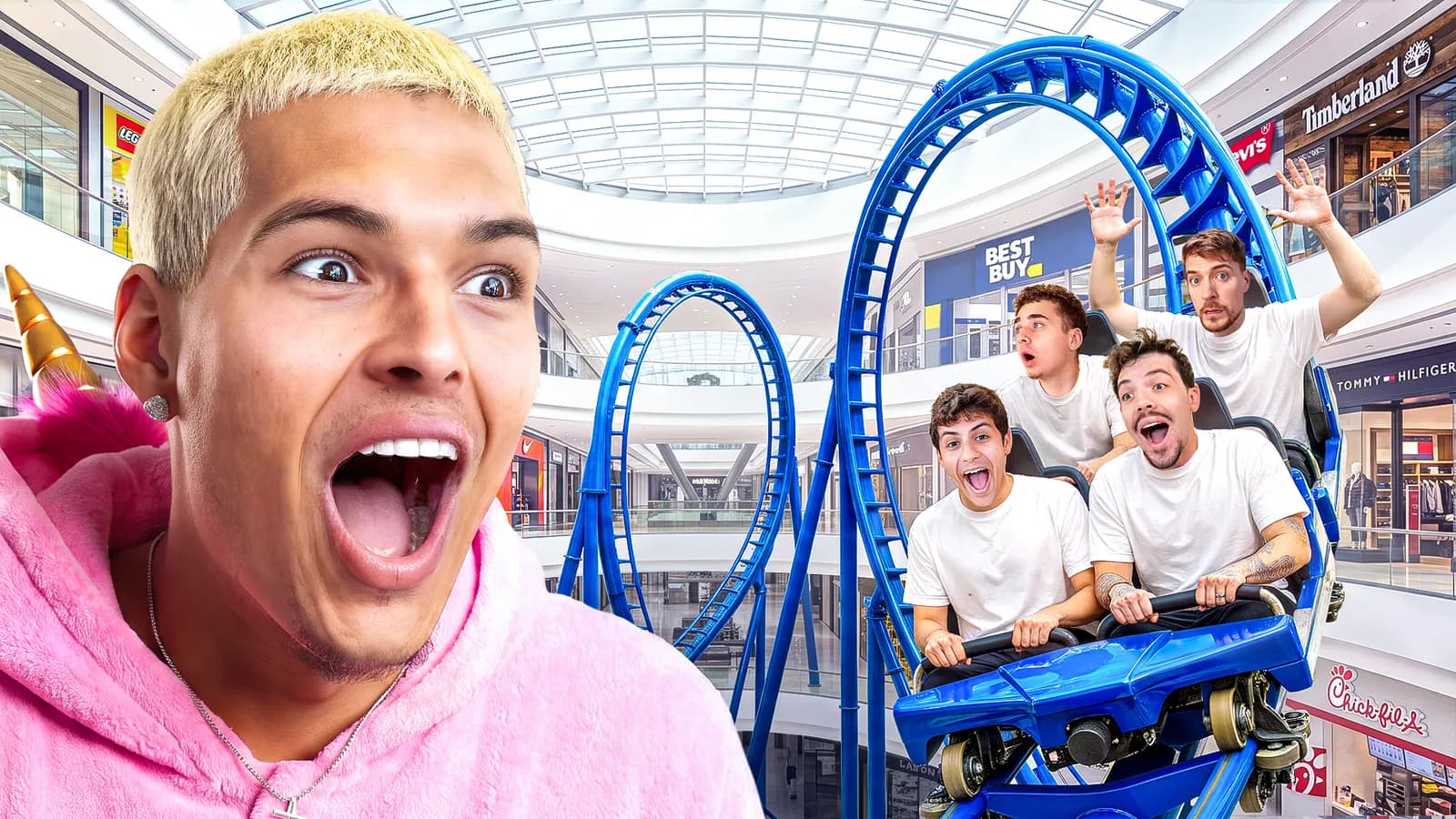
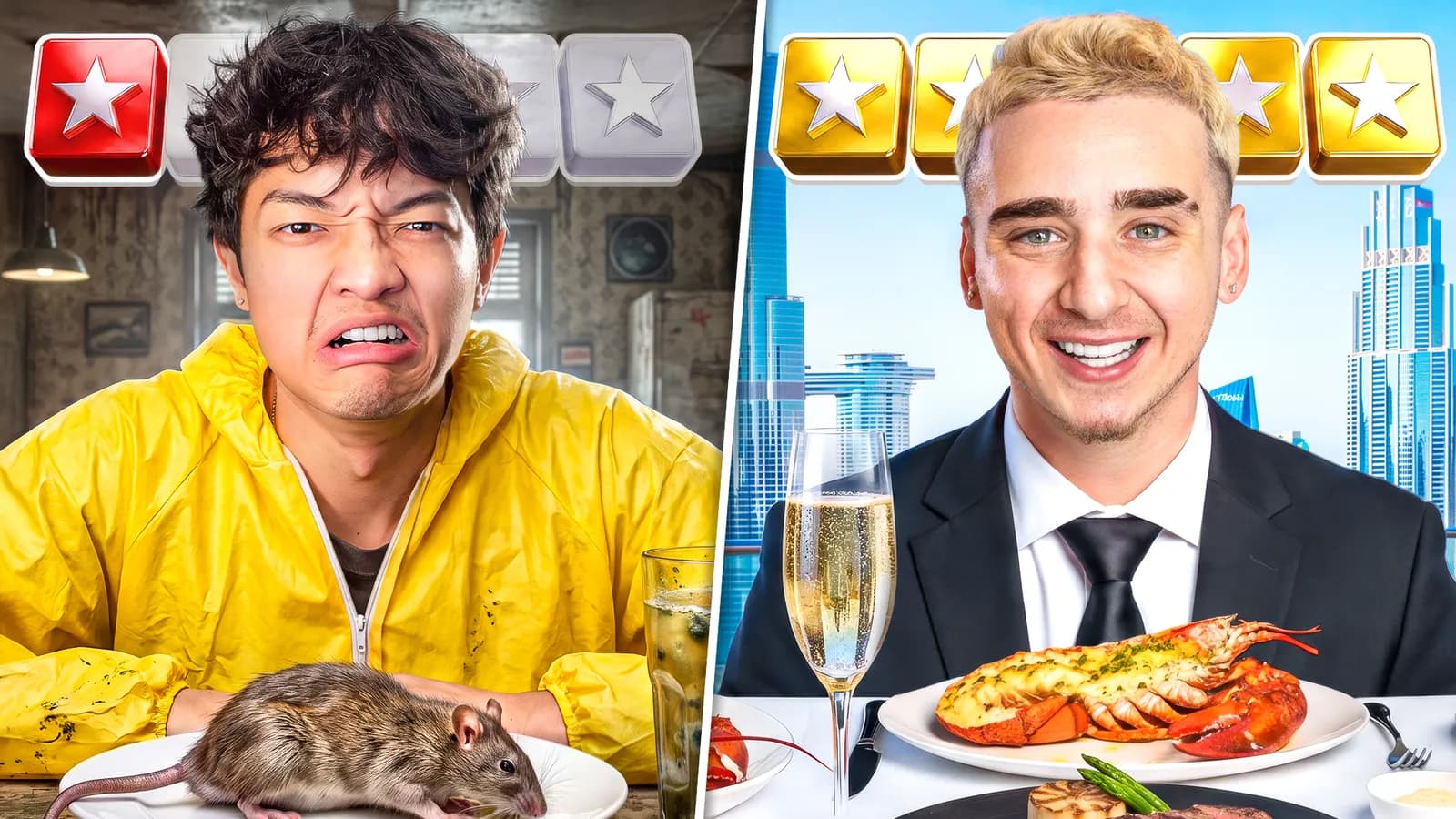
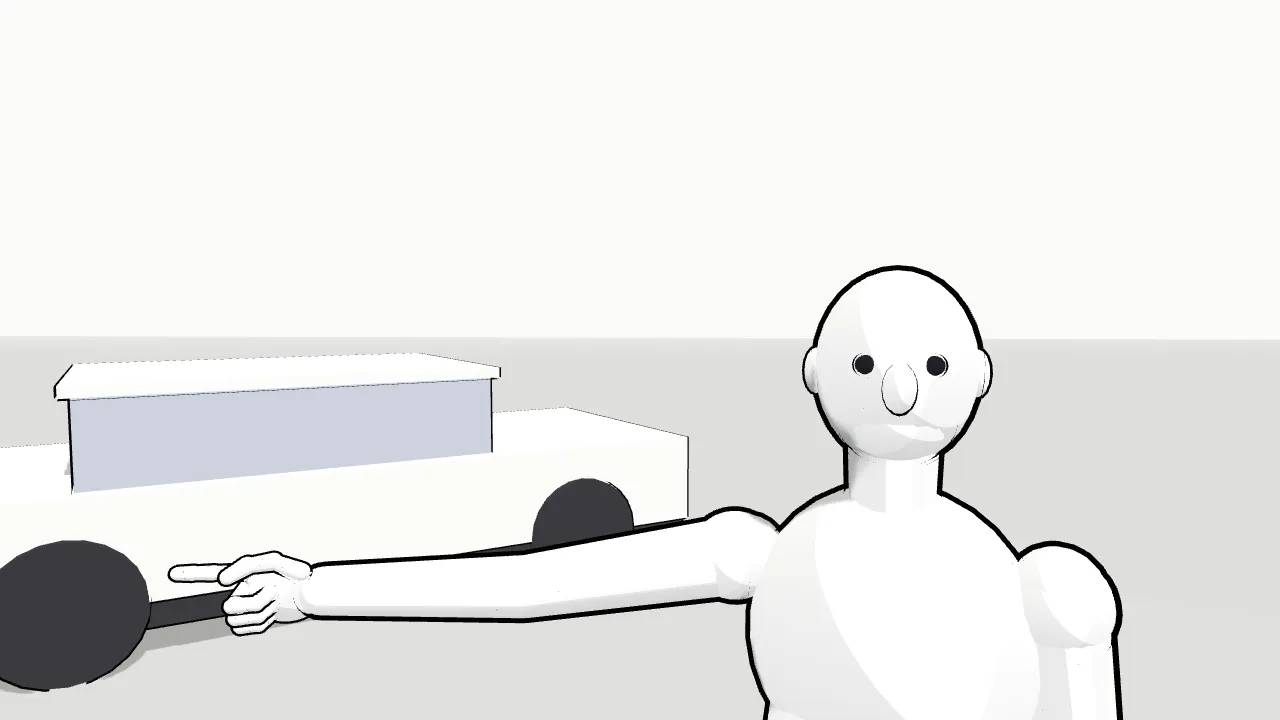
Pose 3D mannequins and props, pick a lens and camera angle, and frame it in 16:9. The poses, cameras and layouts that come built in are the ones we use most, counted across 68 thumbnails in the Strics portfolio. When the frame works, it goes to the image model as a layout reference and comes back as four mockups.
Blocked in 3D
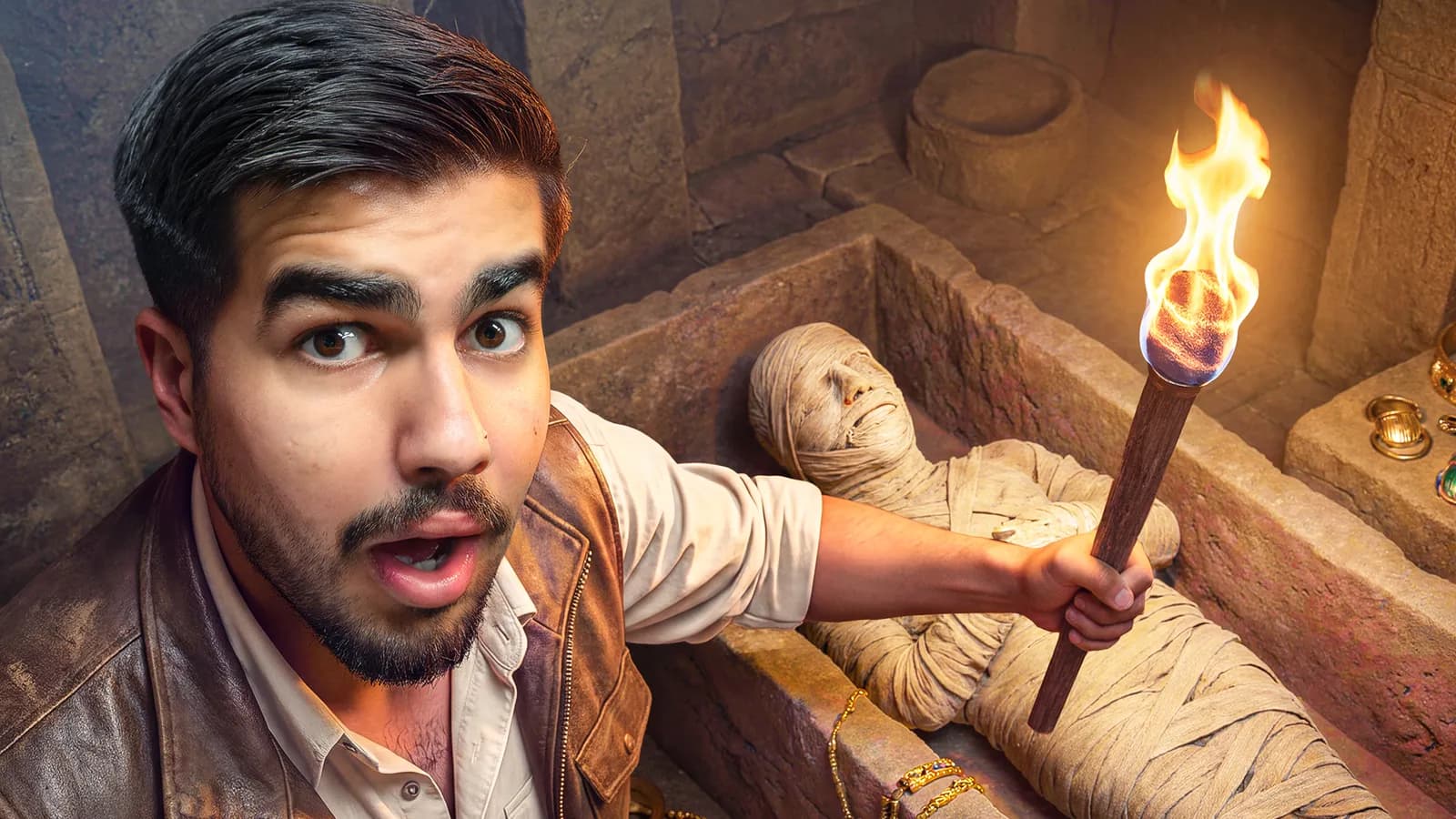
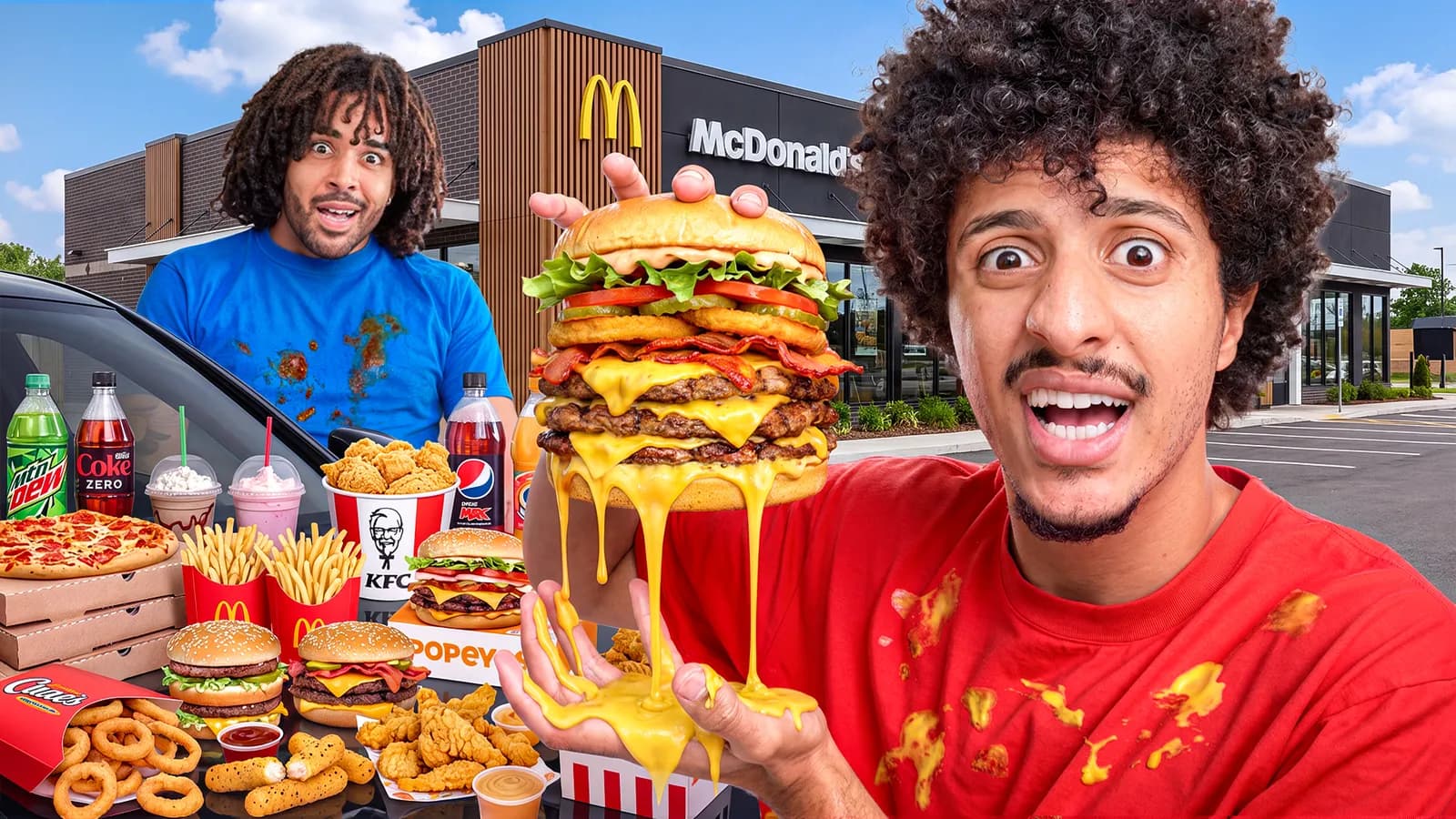
The kind of shot it's modelled on

31 of 68 Strics thumbnails use this composition.
Vlog hero, duo, host + lineup, squad and more, each modelled on Strics thumbnails.
Click a body part to bend it, drag hands and feet, pick a lens and angle.
The frame and a description of every person and prop become four concepts.
Hold up to camera, hand on chin, point, shh, crawl and more.
From the 24mm vlog close-up to top-down, fisheye and Dutch tilt.
Phones, cash, trophies and briefcases snap into a hand and follow it.
Shaded mannequins, or white with ink outlines like a storyboard.
We sketch every thumbnail before we shoot it. Blocking it in 3D gets the camera, lens and poses agreed before anyone spends a credit or books a shoot.
 Design studio · Made by designers, for designers
We went through 68 thumbnails in the Strics portfolio and counted the camera set-ups and poses each one uses. Every preset shows how many of them use it.
No. The frame is sent as a layout reference with instructions to keep the camera, poses and placement and replace the mannequins and blocks with real people and objects. How closely it follows depends on the model.
Yes. Download the frame as a 1280×720 PNG and use it as a sketch for a shoot or a brief.