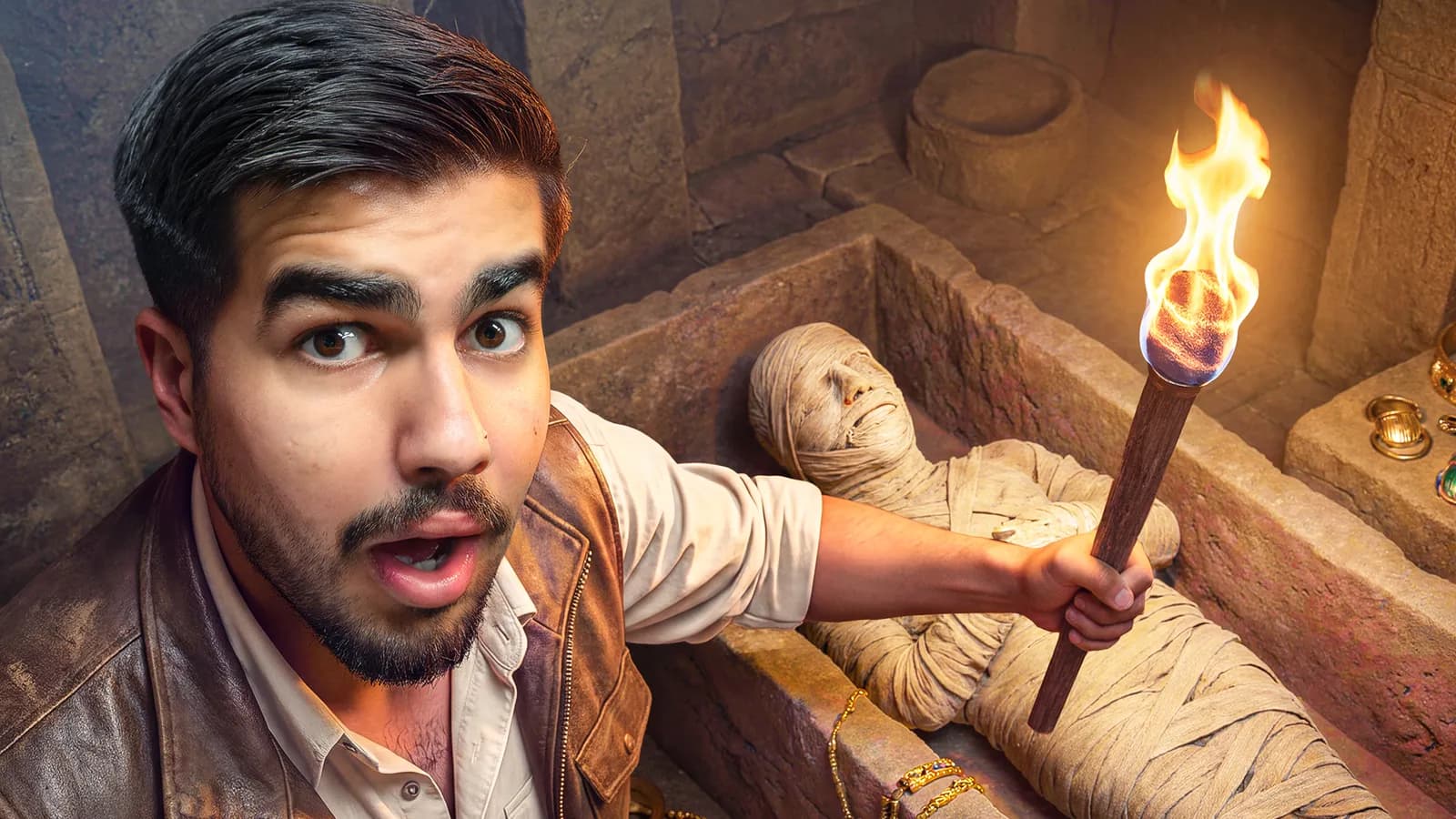
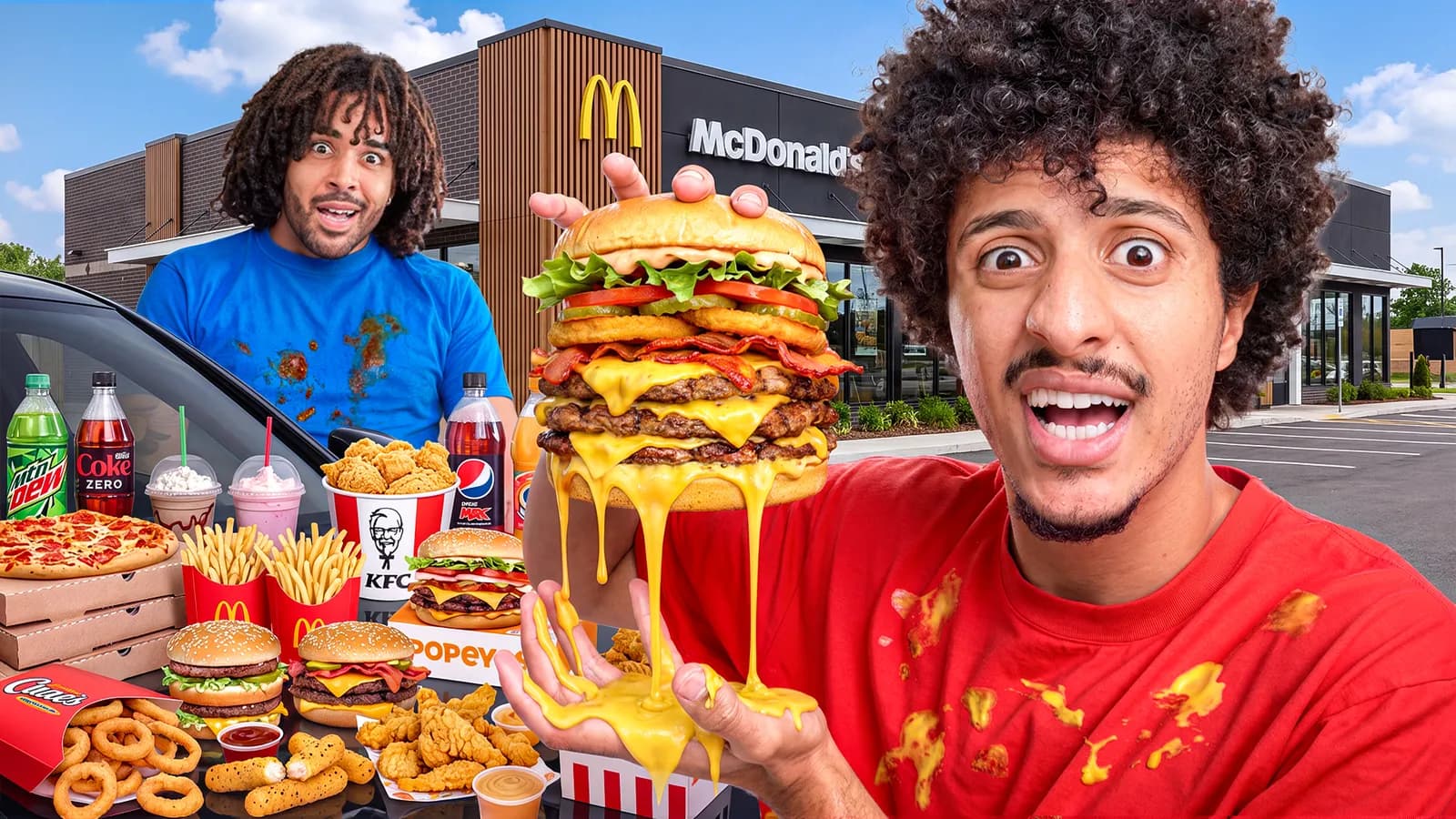
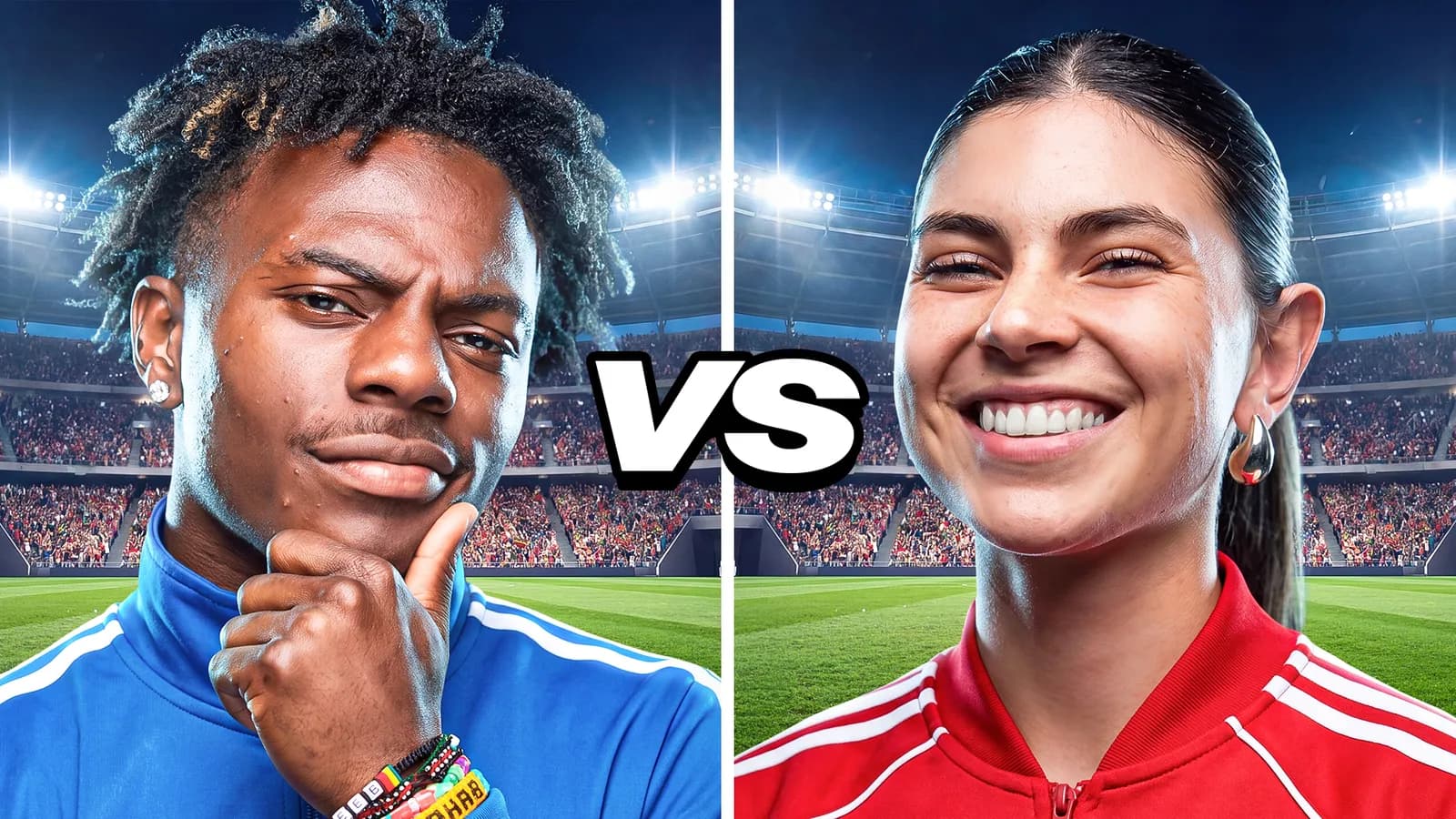
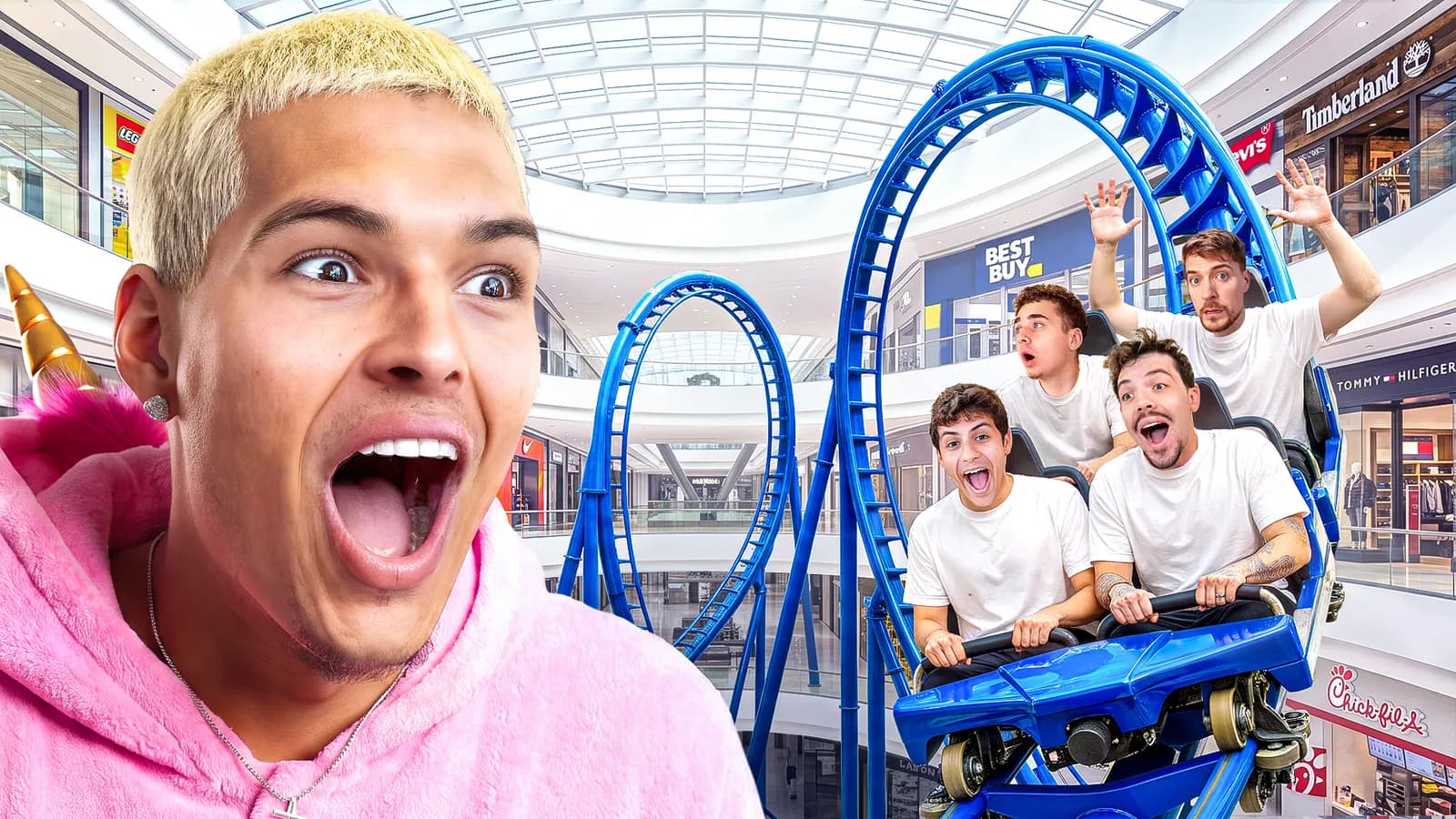
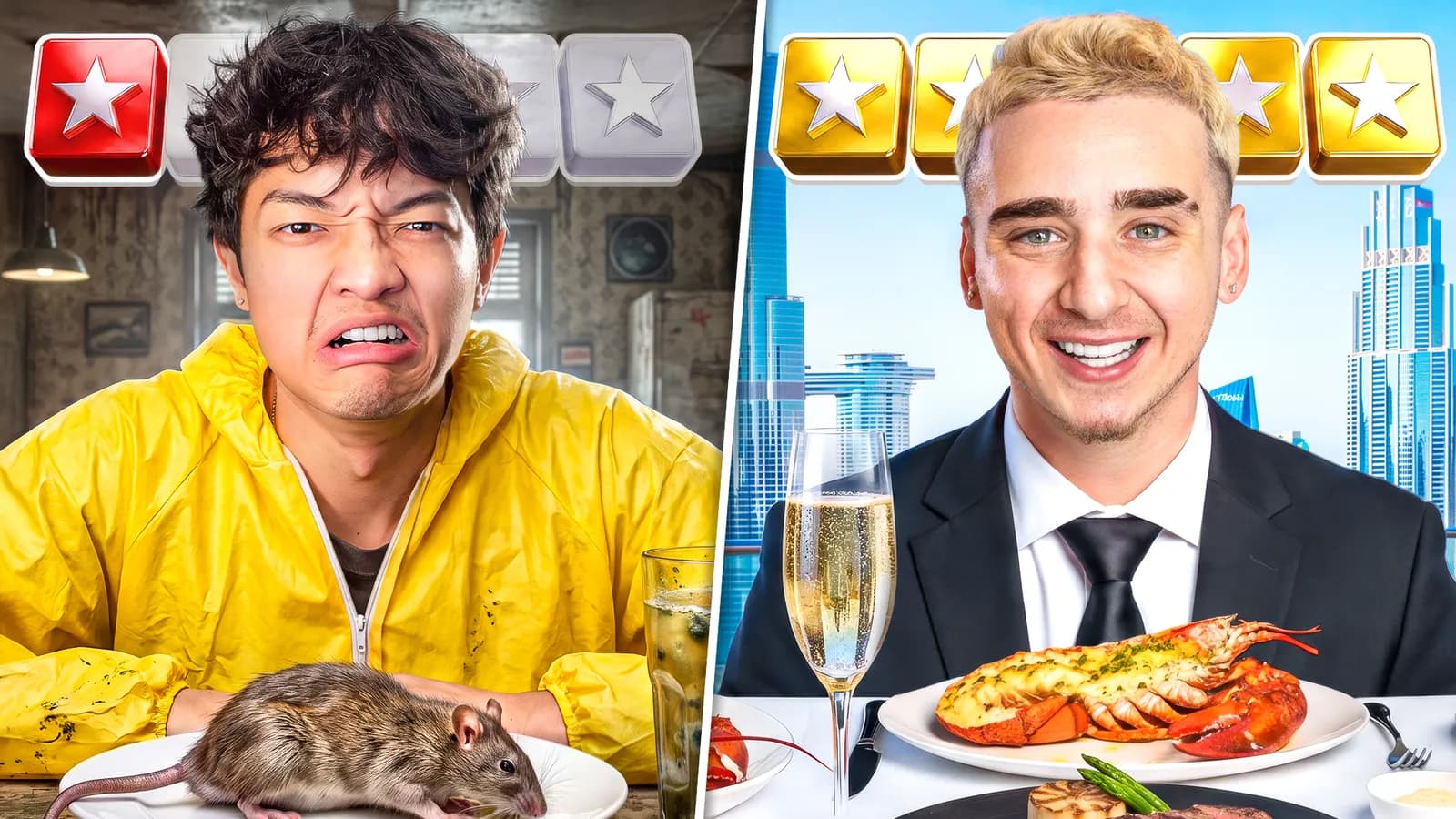
Put the thumbnail together from layers: a backdrop, your cutouts and images, headlines in styles copied from Strics' own thumbnails, arrows, shapes and emoji. Everything stays editable, snaps into line, and exports as a crisp PNG or JPG.
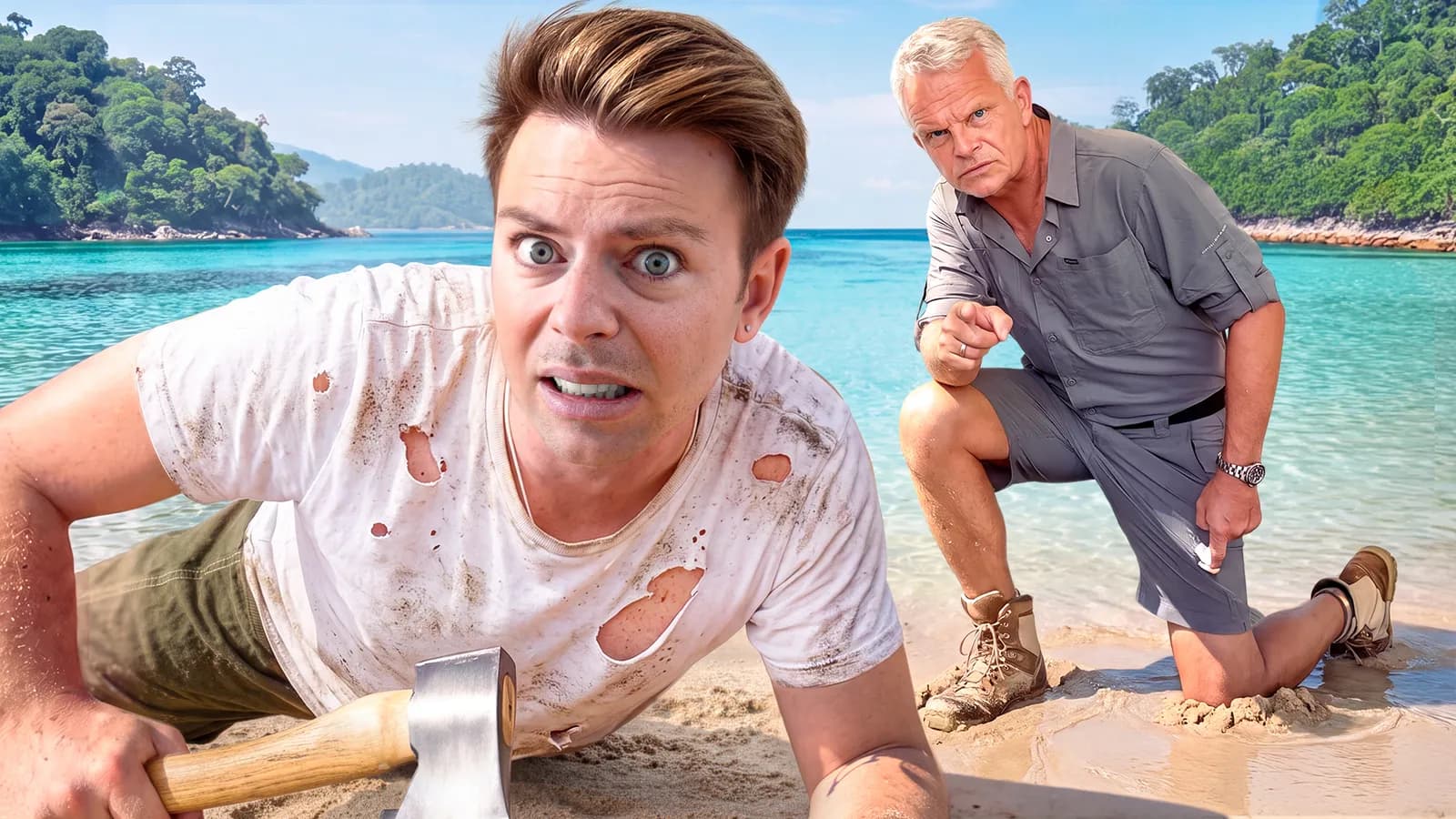
Stranded
Pick a generation, a background-removal cutout or a reference, or drag files straight onto the canvas.
Press T and type. One click copies the font, style and colour of a Strics thumbnail.
Drag, scale and turn layers with snapping guides, then export at 1280×720, 1080p or 4K.
Remove a background right on the canvas, then add a stroke, drop shadow or outer glow and fade it into the scene.
Sticker, 3D gold, double outline, horror and more, lifted from Strics' own thumbnails.
Opacity and twelve blend modes on every layer, and a backdrop that can be an image, a colour or a gradient.
Move, brush, eraser masks, crop, shapes, type on the canvas, eyedropper, rulers and guides, with the same shortcuts.
Type is where thumbnails are won or lost, and it's the one thing image models still get wrong. So the headline stays a real layer, in designer hands.
 Design studio · Made by designers, for designers
Yes. Drag them onto the canvas, paste them with Ctrl+V, or upload them from the Image menu. They're kept with the project.
Model-rendered text is often misspelled and can't be edited. A layer can be fixed in a second.
1280×720, 1920×1080 or 4K, as PNG or JPG. JPG keeps the file under YouTube's 2 MB limit.